
NRO Connect — Every New Restaurant Opening on the Same Page.
Opening dates, trainer staffing, offers, daily schedules and the opening team's messages — one place for everyone who opens a restaurant.
Sign InGet the App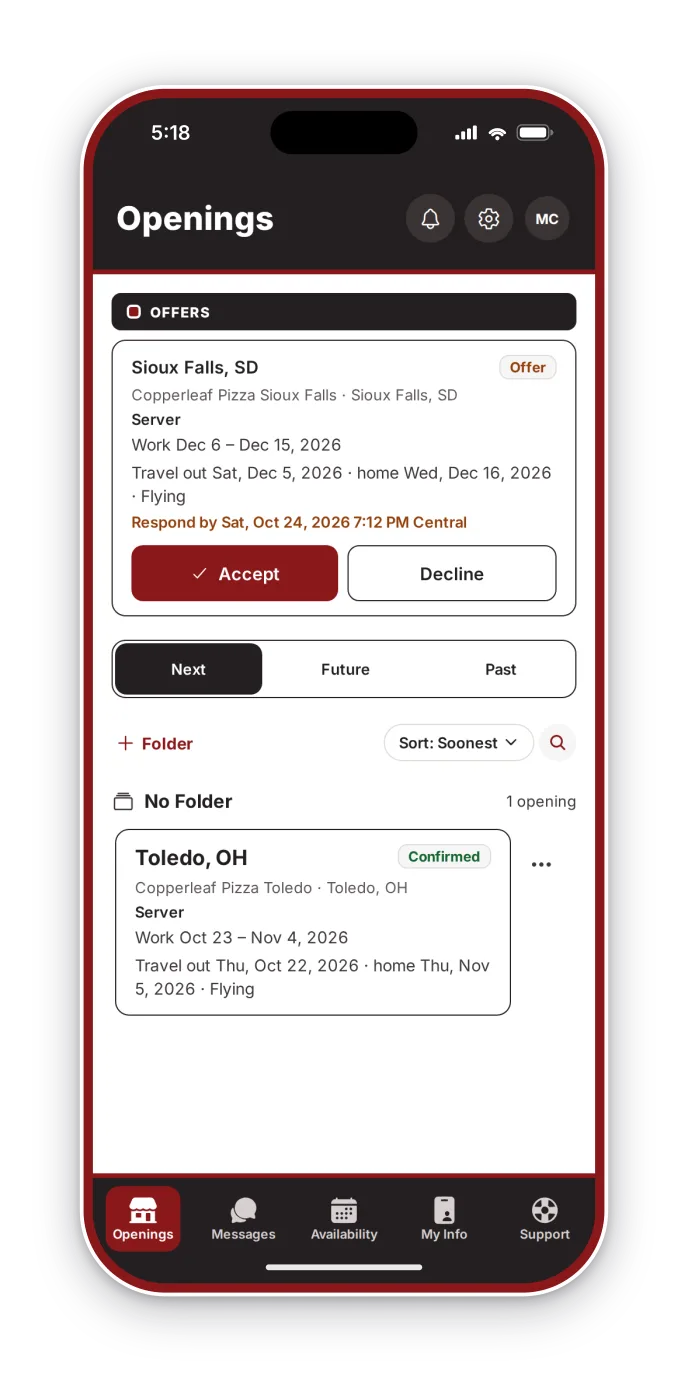
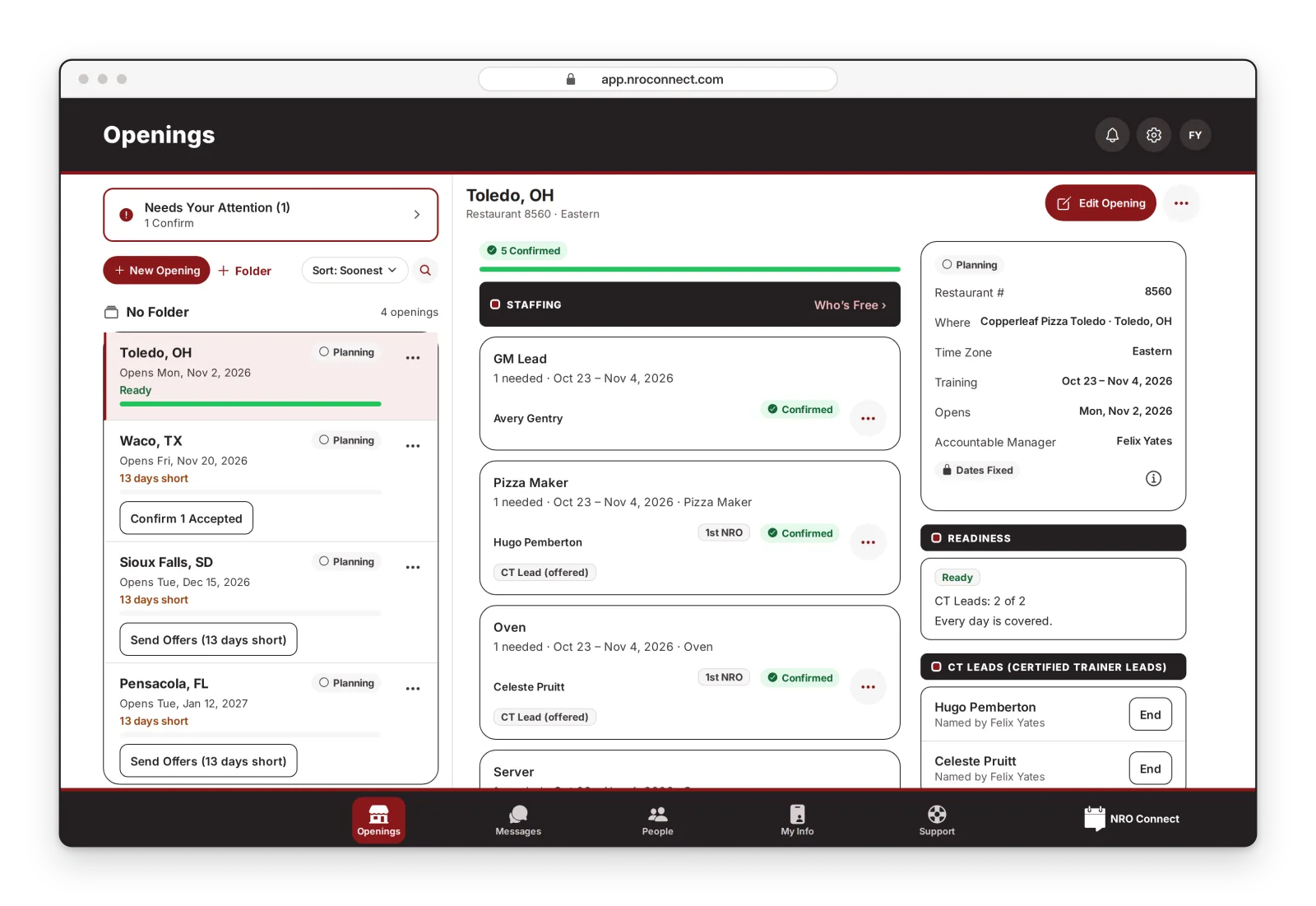
Openings & Staffing
Every Position, Every Day, Covered.
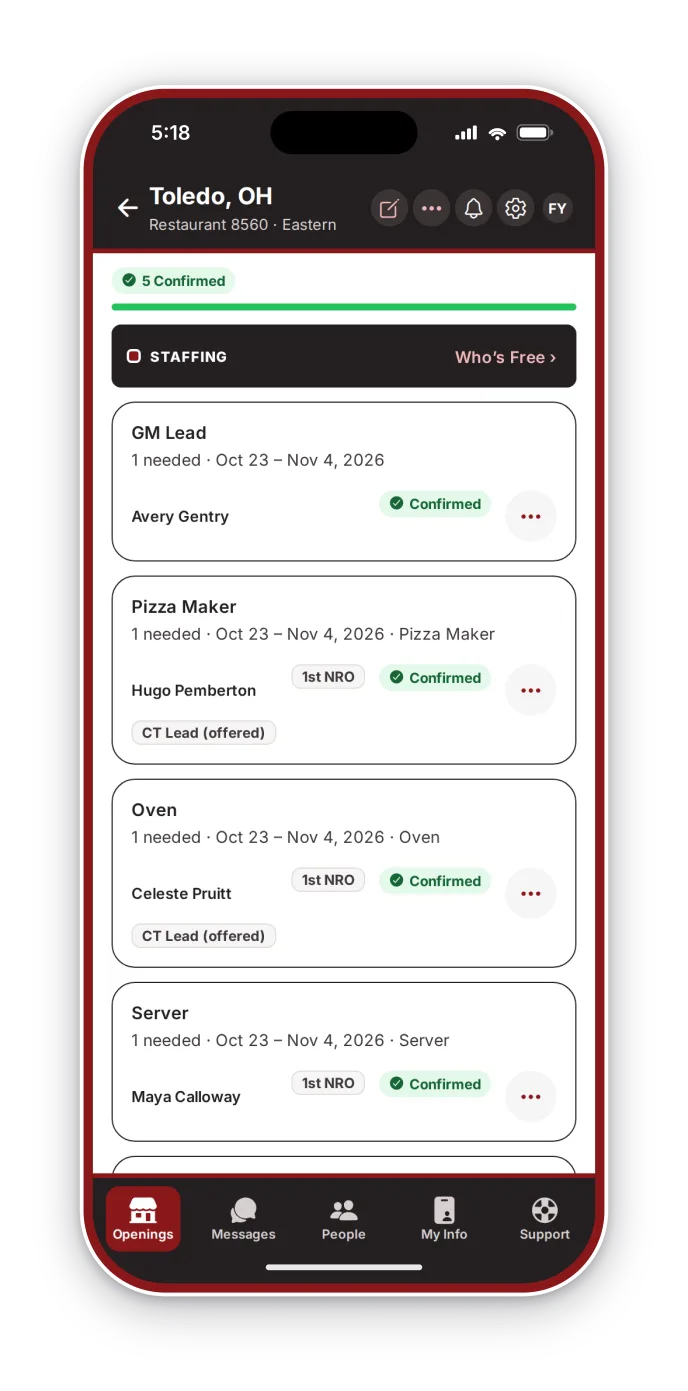
Set the positions, certifications and headcount for each opening, then send one offer per open spot. Sending an offer holds the trainer's dates, travel days included — no double-booking.
Daily Schedules
The Whole Team Knows Where to Be.
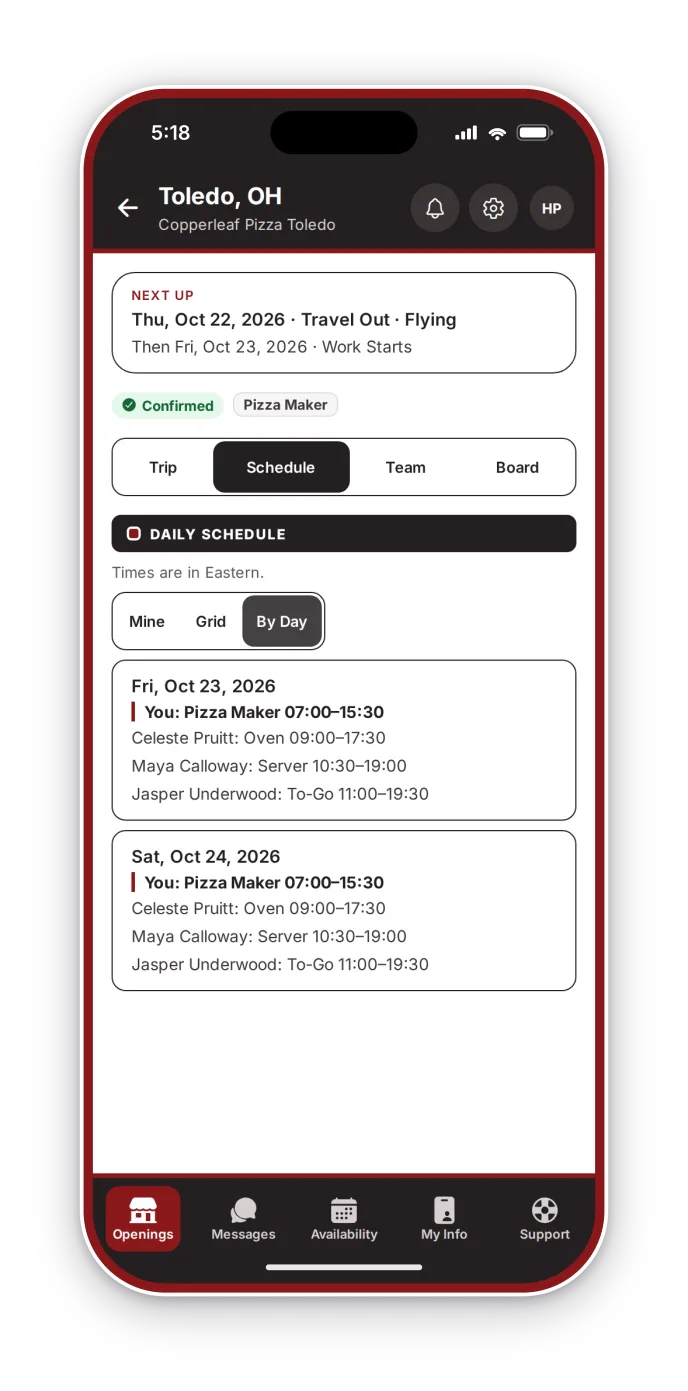
The GM Lead publishes each day's schedule; trainers see their own shifts and the team's, day by day, with travel reference details for the trip.
Opening Board & Messages
Talk It Through Without the Group Text.
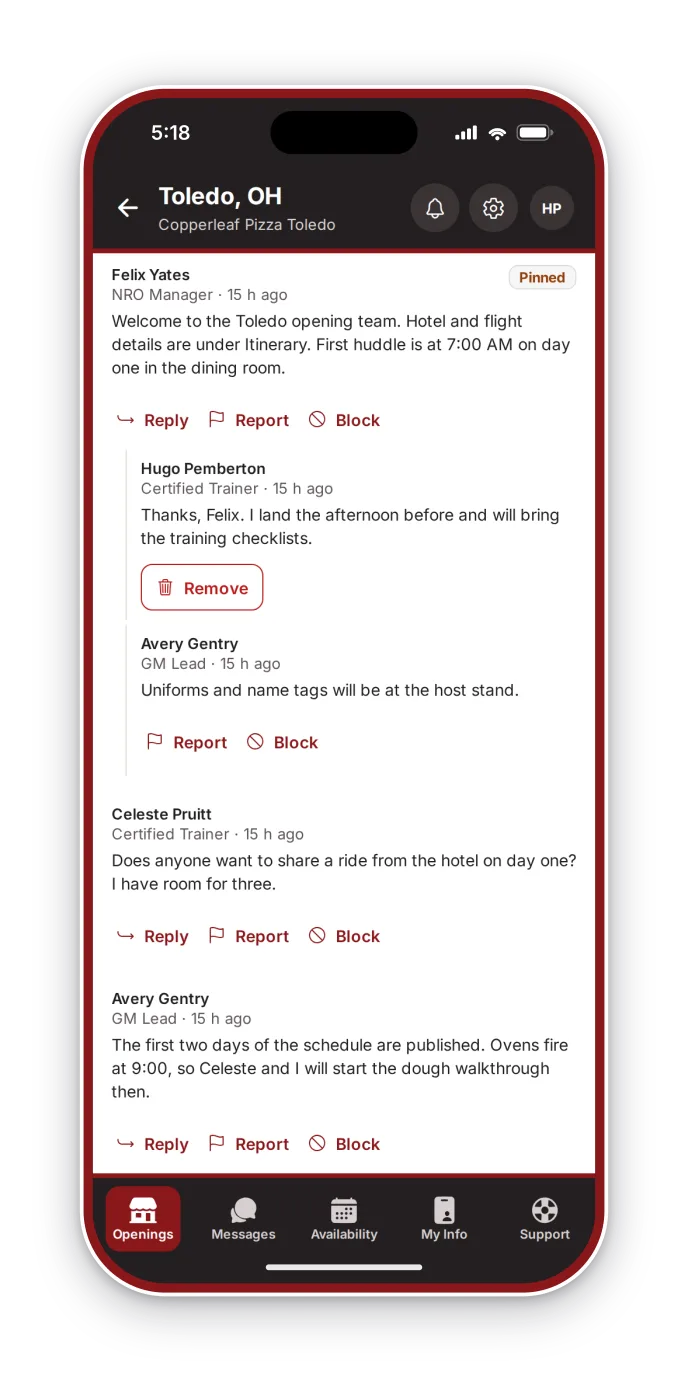
Every opening has a board for the whole team, plus private messages between trainers, their NRO Managers and their GM Leads.
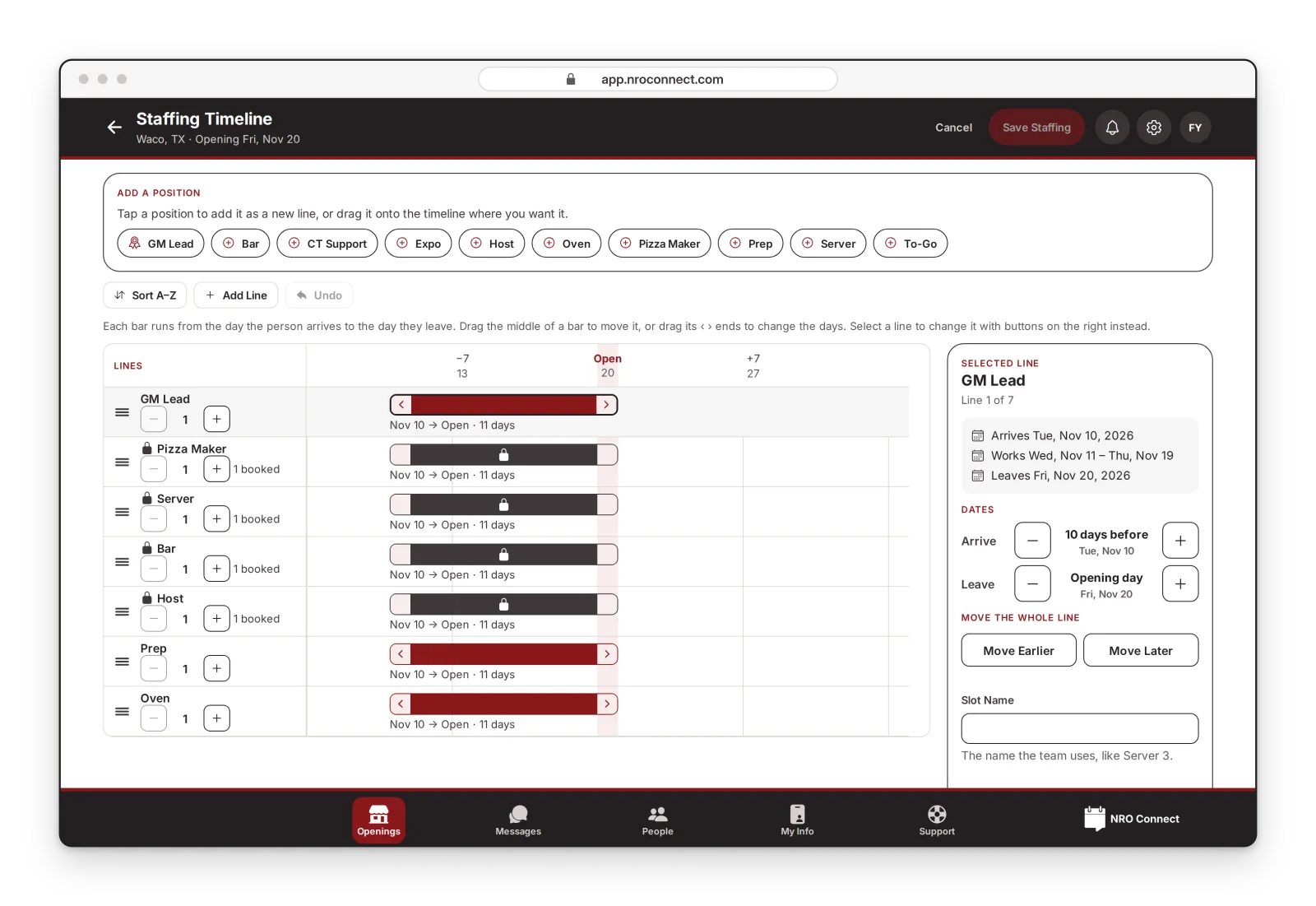
Staffing Timeline
Plan Who Comes When.
Each position is a bar from the day the person arrives to the day they leave. Drag a bar to move it, or drag its ends to change the days. Booked lines stay locked.
One Account, Everywhere.
NRO Connect runs on iPhone, Android and the web — the same features on each.
Ready for the Next Opening?
Sign in with the account your invitation set up.
Sign In